7 DAYS A WEEK FROM 8:00 AM TO 12:00 AMHOTLINE 01833-150010

How to Pay?

BILL PAYMENT GUIDE

Pay Your Rainbow Network Internet Bill

Choose the payment method that is convenient for you. For automatic bill update, always provide your correct Client Code where a reference is requested.

01Keep your Client Code ready.
02Select bKash, Nagad or Online Payment.
03Complete payment and keep the transaction information.

Online Bill Payment

bKash / Nagad

bKash / Nagad
Payment No: 01833-150010

bKash Payment

From bKash App: use the Rainbow Network payment number above and enter your correct Client Code in the Reference field.

From mobile/USSD: dial *247#, choose the payment option, use the Rainbow Network payment number, and enter your correct Client Code as the reference.

When the correct Client Code is provided, your eligible payment can be automatically reflected in the billing system—no support call is normally required.
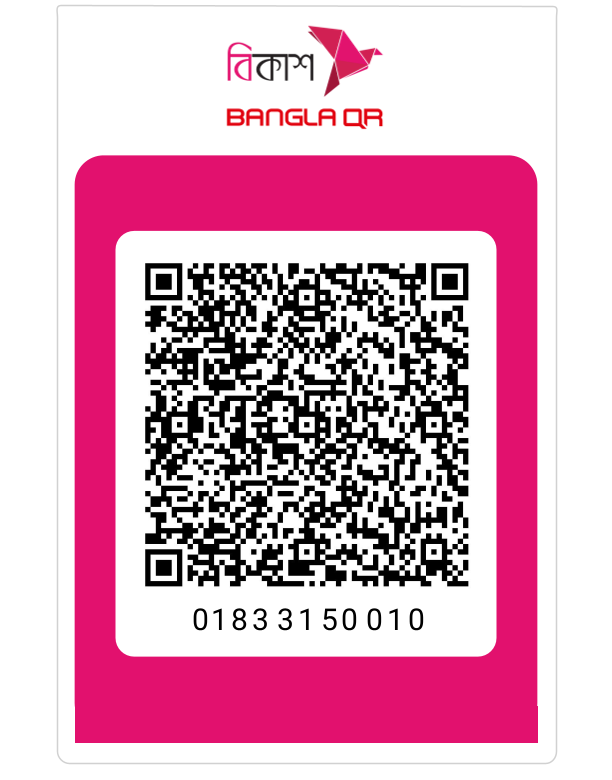
Rainbow Network bKash Merchant QR CodeScan to pay with bKash

Nagad Payment

Use Rainbow Network's supported PGW (Payment Gateway) payment option through the website or Android app. Follow the payment page and provide the required customer/reference information correctly.

Pay Online

Online Bill Payment

Online Bill Payment

Use Rainbow Network online billing/payment service for supported cards and channels.

How Online Payment Works

01Open the online bill payment page.
02Enter the required customer information and Client Code.
03Complete the payment and keep the transaction information.
Pay Now

Where can I find my Client Code?

Your Client Code is your Rainbow Network customer identifier. You may need it for Client Portal registration and for payment references.

If you cannot find your Client Code, please contact Rainbow Network support before making a payment so that the correct code can be confirmed.

Hotline: 01833-150010